
Scope of this technical record
Routes Unidrive O.ht thermal trips through cold/hot timing, fan, heatsink, ambient, load duty and temperature-feedback evidence.
Fans, heatsinks and braking hardware can be hot or live. Isolate and verify before access.
Unidrive thermal route
Cold and hot thermal trips have different repair boundaries.
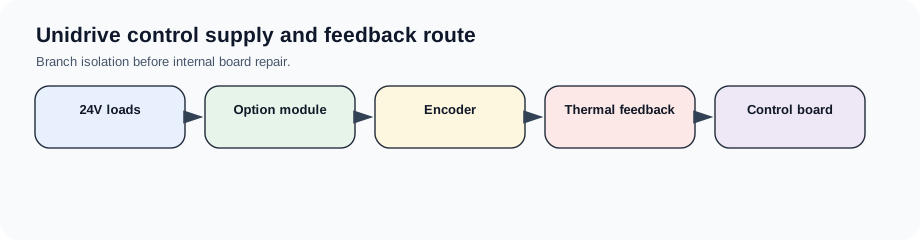
Unidrive O.ht thermal route image
Cold versus hot thermal trips
A thermal trip that appears cold is a different case from one that appears after sustained load. Cold trips point to sensor/feedback wiring or control electronics; hot trips point to airflow, fan, heatsink contamination, ambient temperature, load duty or braking heat.
Thermal matrix
Split temperature evidence by timing.
O.ht evidence
| Timing | Likely boundary | Evidence |
|---|---|---|
| Cold at power-up | Temperature feedback | Sensor/board evidence |
| After long run | Cooling/load duty | Fan, heatsink, ambient |
| After decel/braking | Brake/thermal coupling | Resistor and cabinet heat |
| Intermittent with vibration | Fan wiring or sensor connection | Connector evidence |
| After repair | Fan installed wrong or airflow blocked | Air path photos |
Repair boundary
The repair record should include fan condition, heatsink contamination, ambient temperature and whether the trip is cold or load-related before a board is suspected.
Field record checklist
- Cold/hot timing
- Fan evidence
- Heatsink condition
- Load duty
- Thermal feedback
Technical basis and reference documents
This is an independent editorial technical reference. Original manufacturer documentation remains controlling for installation, repair and commissioning decisions.
Diagnostic workflow
Turn this record into a qualified service request
A repair decision is much more reliable when the request includes the exact identity of the drive, the first fault evidence and the machine condition when the symptom appeared.
- Complete drive type code / MLFB or nameplate model
- Fault code, fault value and first event before reset
- When the event appears: power-up, enable, ramp, run, decel or stop
- Motor/cable connected or isolated during the symptom
- Visible board, option-card, module and connector identifiers
- Previous repair history, replacement parts and repeat-failure pattern